 Rivaurie
How Rivaurie works
There is nothing to learn before you start. Open it, drag a finger across the canvas, and turn the volume up. Everything below is just the parts people tend not to find on their own.
-
Where you draw decides the note
High on the canvas is a bright note, low is a deep one, so a stroke that climbs plays a rising phrase. Speed matters too: a quick scribble becomes a run of separate notes, and one slow curve becomes a single long tone.
Draw a slow line from the bottom corner to the top.
Tap Sound in the bottom bar to pick what plays it — harp, bell, marimba, glass, music box, chime, shimmer or clarinet. The ringer switch does not silence it, but the volume buttons do.
-
You pick a palette, not a color
Under Color you choose a set of colors rather than one, and a single stroke travels through it. That is why a line is never one flat shade, and why two strokes of "the same" color are never quite the same.
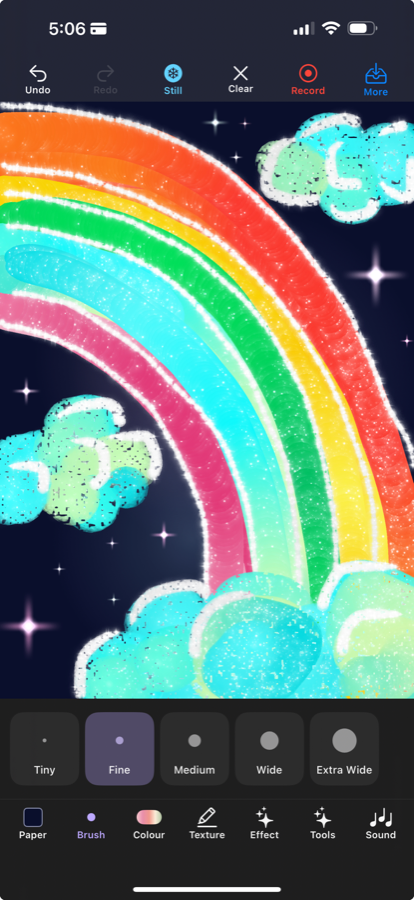
Draw one long stroke and watch the color move along it.
-
The paint behaves like paint
Texture changes what the ink is, not just how it looks. Watercolor pools at the edges and dries unevenly. Chalk skips and crumbles on the grain. Marker lies flat and even. Ink runs wet and dark. Splatter is the odd one out: it is thrown rather than drawn, so flick your finger and the paint lands where it lands.
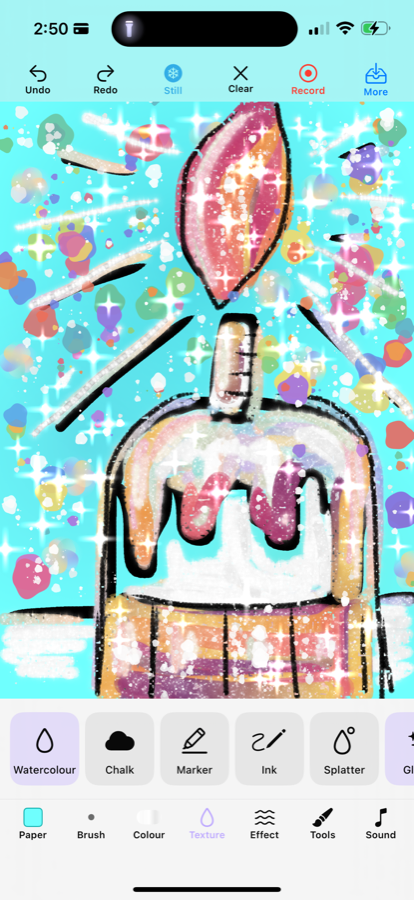
Draw the same shape twice, once in chalk and once in ink.
-
Stamps are pressed, not drawn
Under Stamps, a flower blooms where you press and lift — hold longer and it opens further. A tree grows a trunk where you drag, then puts branches out sideways on its own. Leaves, snow and stars scatter where they land.
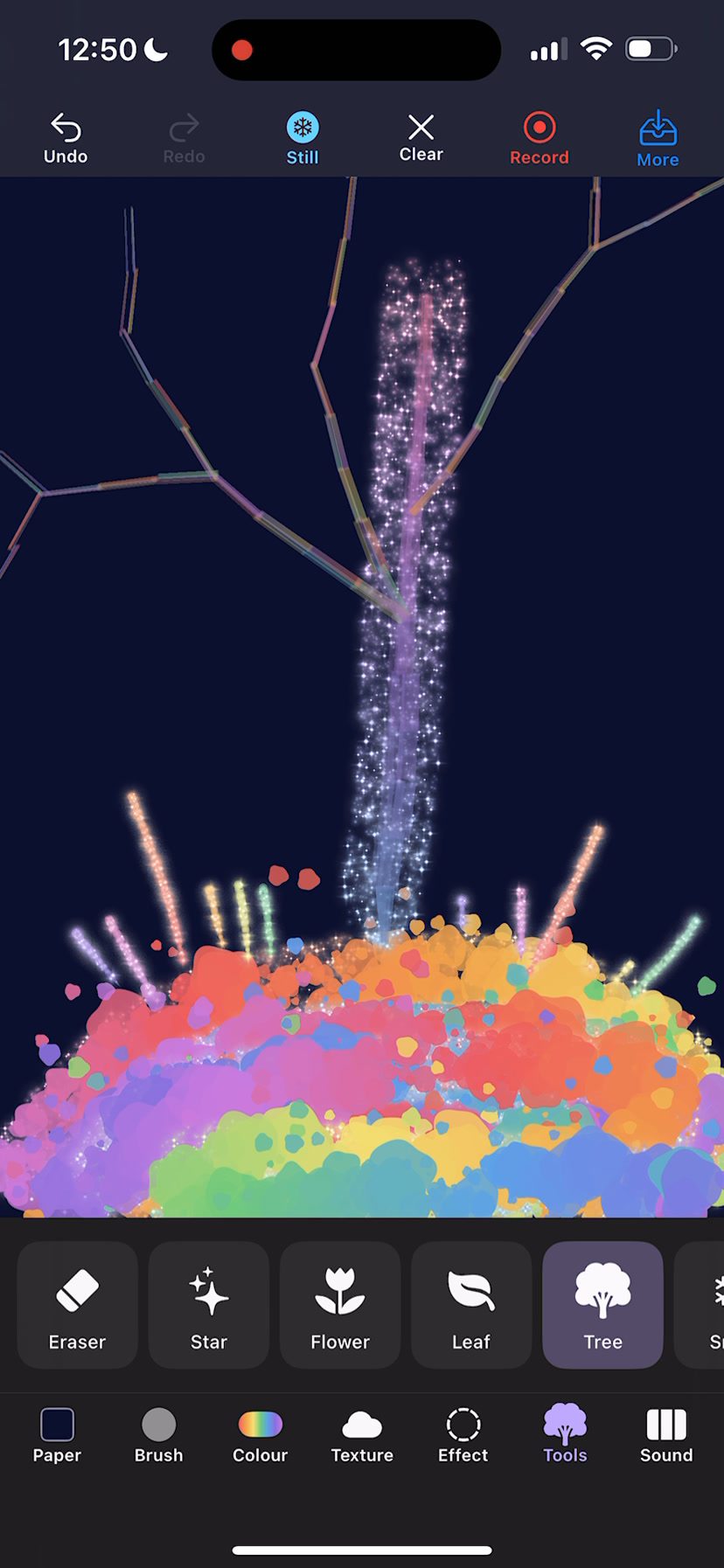
Press and hold in one spot, then lift. Then do it again for half as long.
-
The canvas keeps moving
Effect puts something alive behind or in front of your drawing: northern lights and a slow current drift behind it, while snow, rain, petals, fireflies and stardust fall in front. Your artwork stays exactly as you left it underneath.
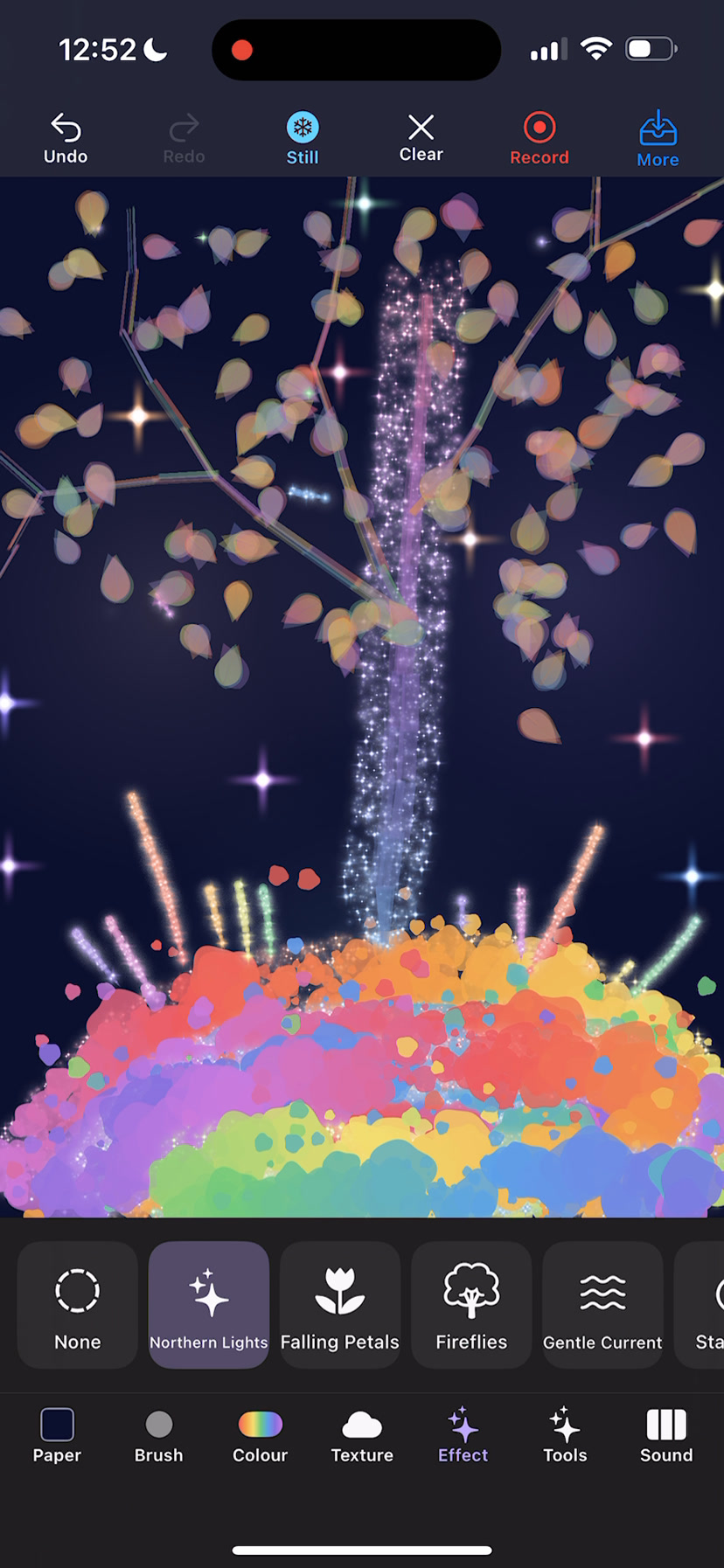
Turn on snow, then tap Still at the top to freeze it mid-fall.
-
Magic decides for you
The wand in the top corner picks your colors, your brush, your sound, your paper and what drifts behind the canvas, all in one tap. It is there for the moment when a blank page and seven trays is too many decisions — which is most moments, honestly.
Tap the wand three times in a row and draw on whatever you get.
-
Keeping what you made
Undo steps back through your strokes. Clear scatters the whole drawing into drifting particles before it goes — it is worth watching once. Under More you can save a picture to your photos, share it, or record a video of yourself drawing, with the sound.
Gallery is also in that menu, and it is the one worth knowing about: adding a drawing to it keeps it inside the app, so you can tap it later and carry on where you left off. Saving to your photos gives you a picture; the gallery gives you the drawing back.
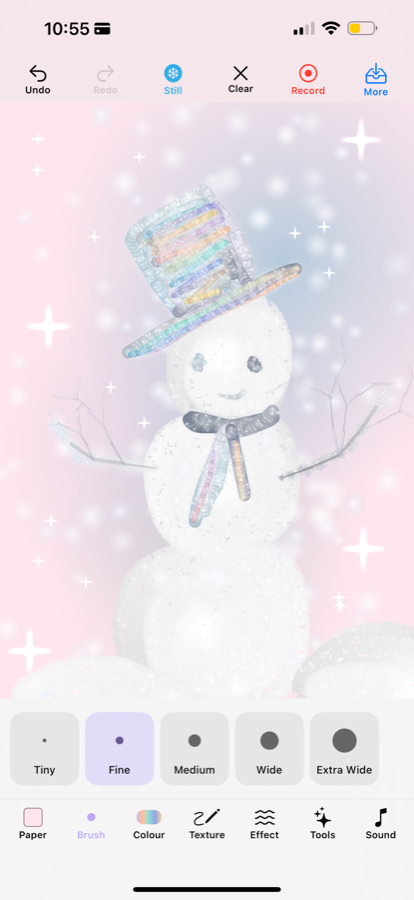
Draw something small, then tap Clear and watch it leave.
If something is wrong
Support covers the handful of things that go wrong, and there is an address there that a person reads.